A full notebook, a private AI, voice and meeting capture, PDF signing, a calendar and a vault for your secrets — working together on your device, offline.
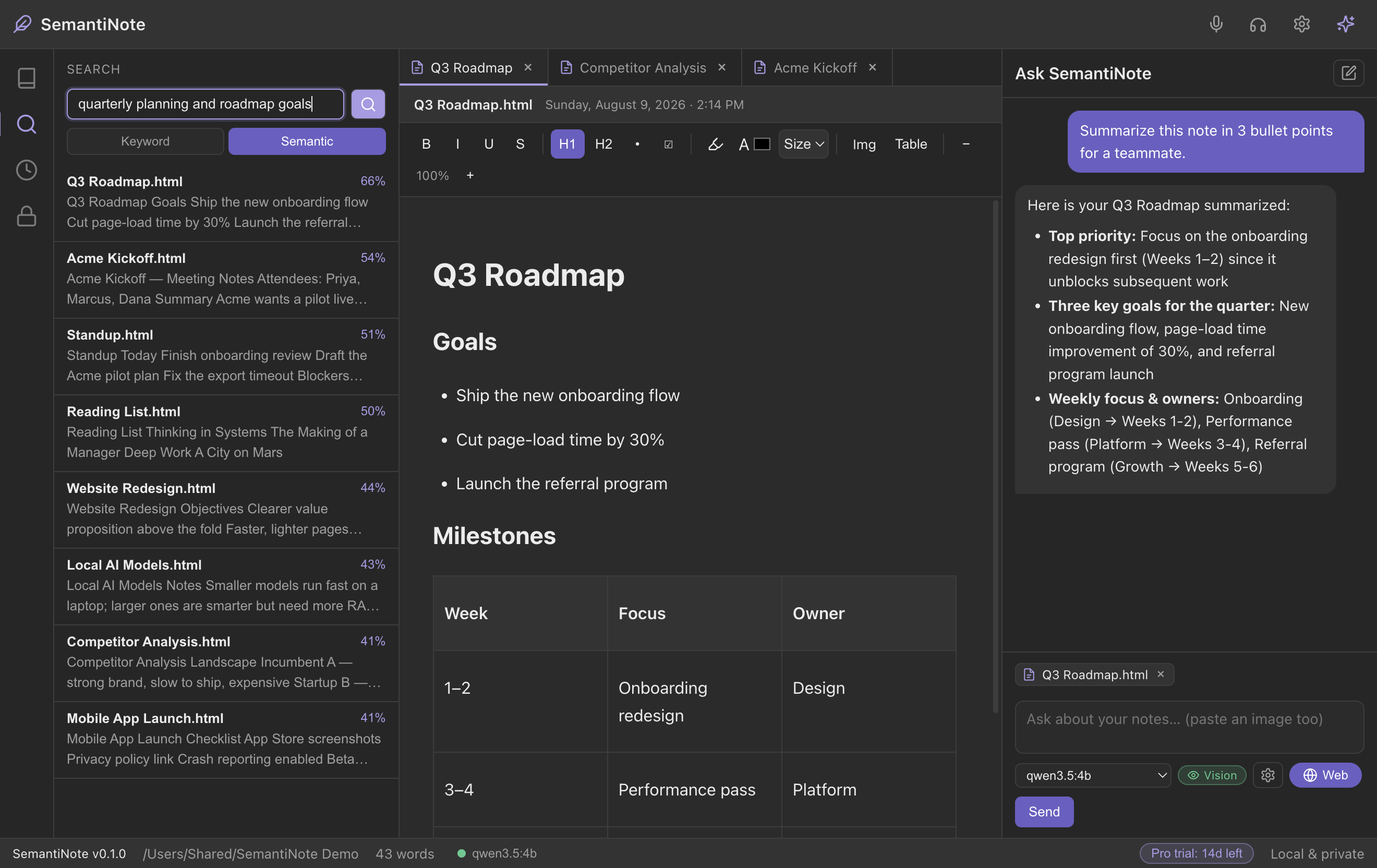
Search the way you think. SemantiNote understands the meaning of your notes, so you can find "the budget concerns from last month" without remembering a single exact word you wrote. No more scrolling through folders hoping to spot it.
Only finds exact word matches.
Finds notes by what they're about.
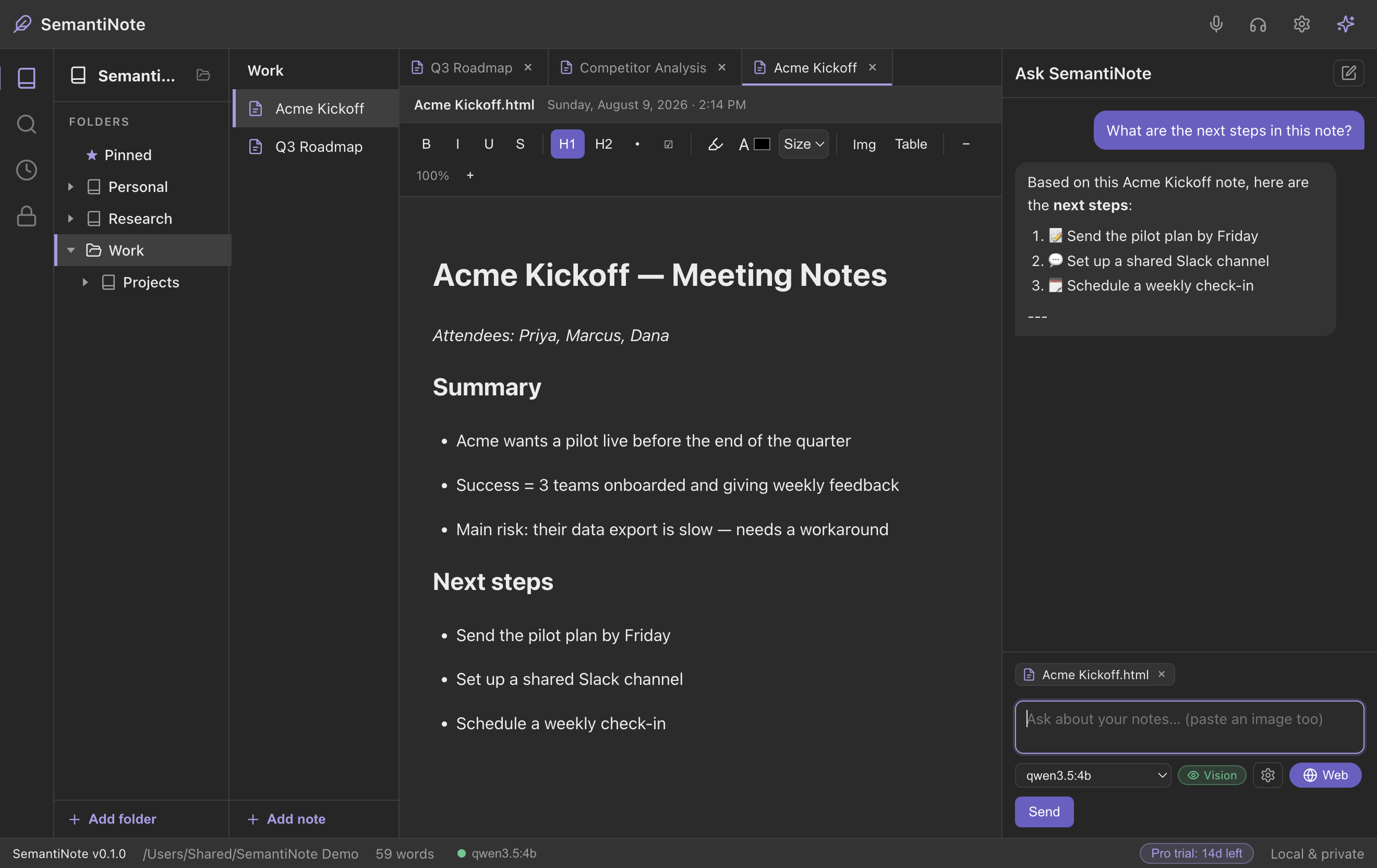
Ask a question in plain English and get an answer built from your own notes — with the exact notes it drew from cited right in the reply. It's like having a second brain that has read everything you ever wrote.
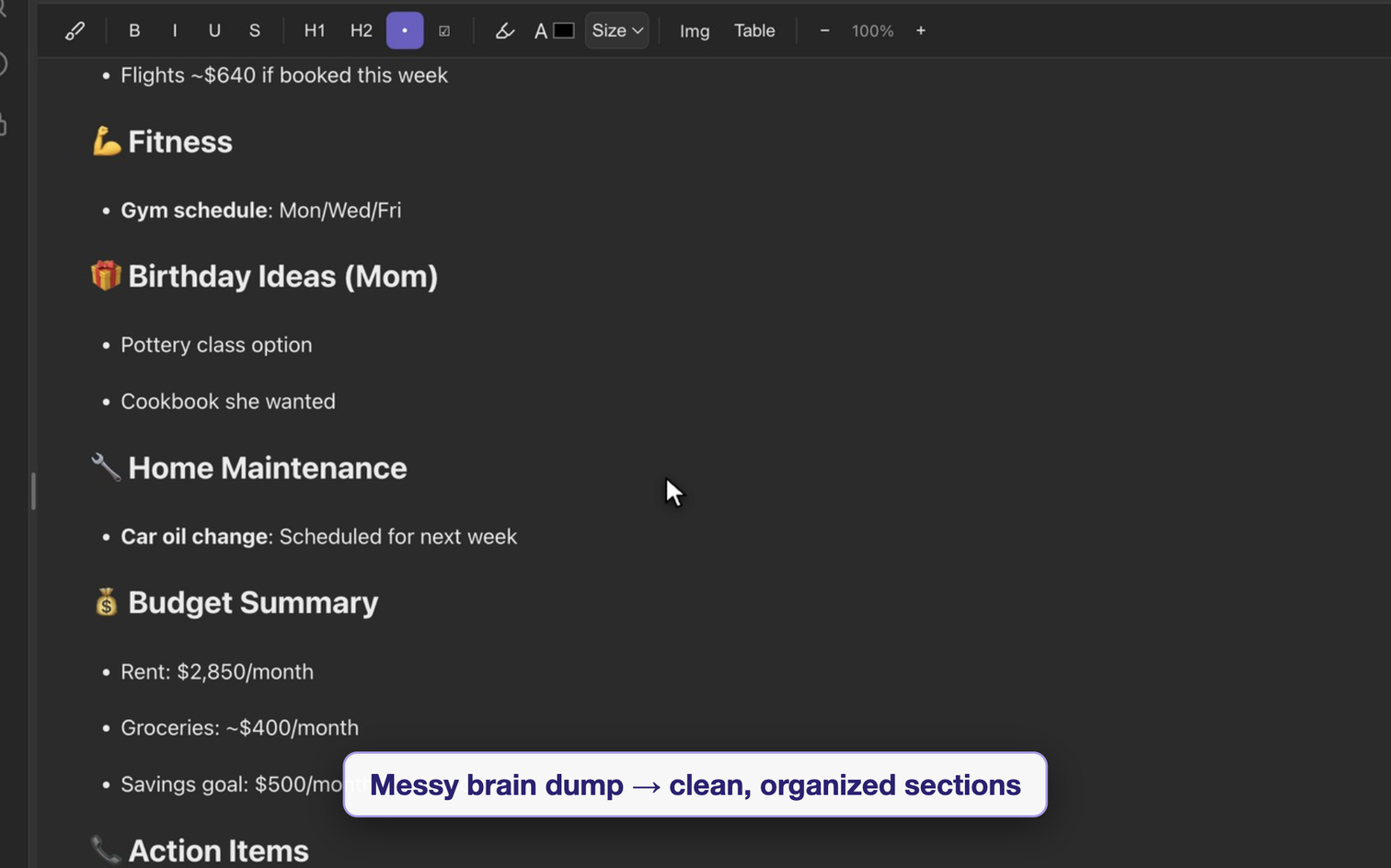
Drowning in a long note or a rambling meeting transcript? Ask for a summary, a bullet list of action items, or a cleaner structure. SemantiNote turns your raw thoughts into something you'd actually re-read.
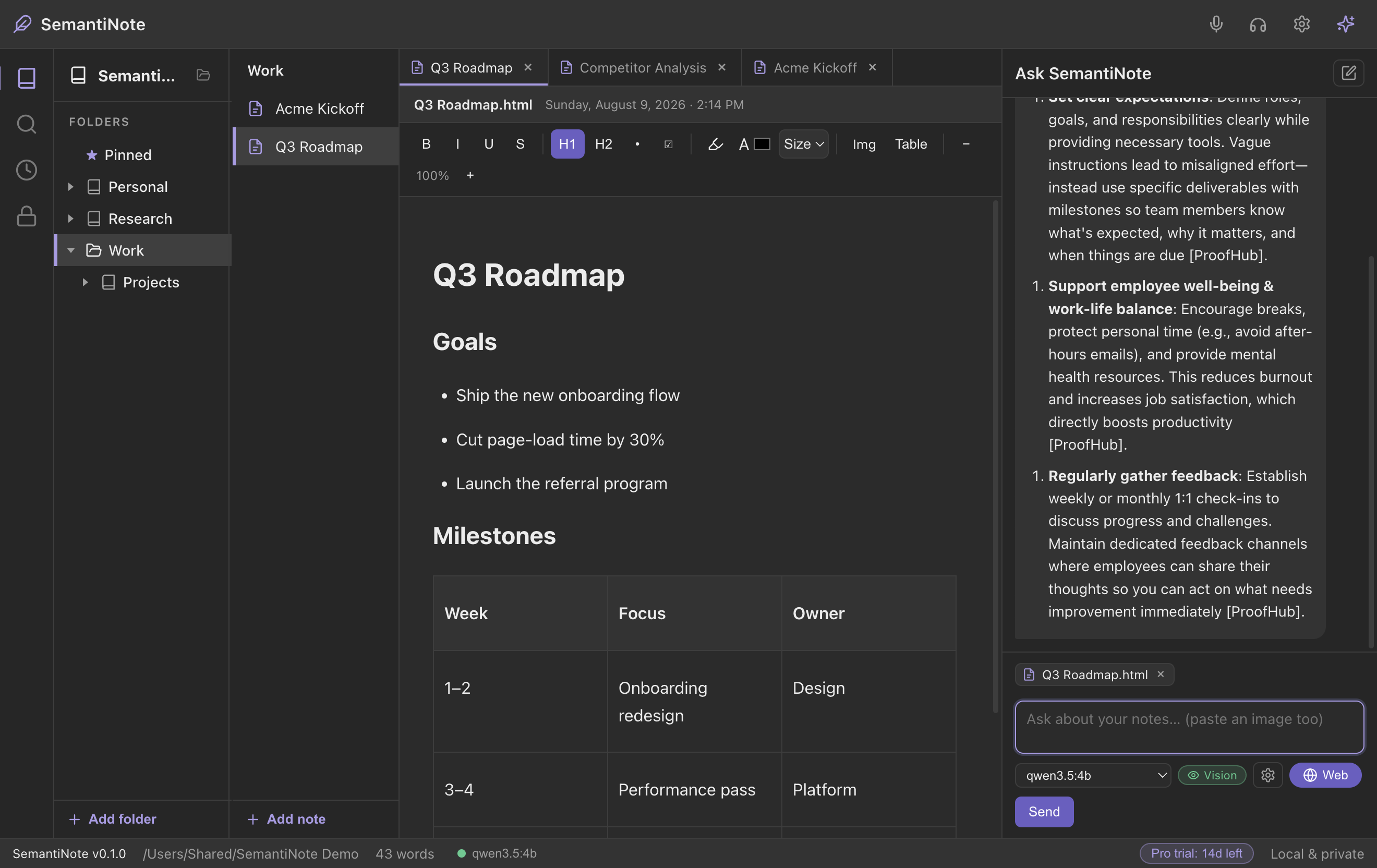
When you want to double-check something from a meeting or fill a gap in your notes, flip on web search. SemantiNote looks it up, brings back sources, and you decide what to keep — you're always in control of what goes online.
Some thoughts are faster spoken than typed. Hit dictate and just talk — SemantiNote writes it down for you, live, and completely offline. No transcription service, no upload.
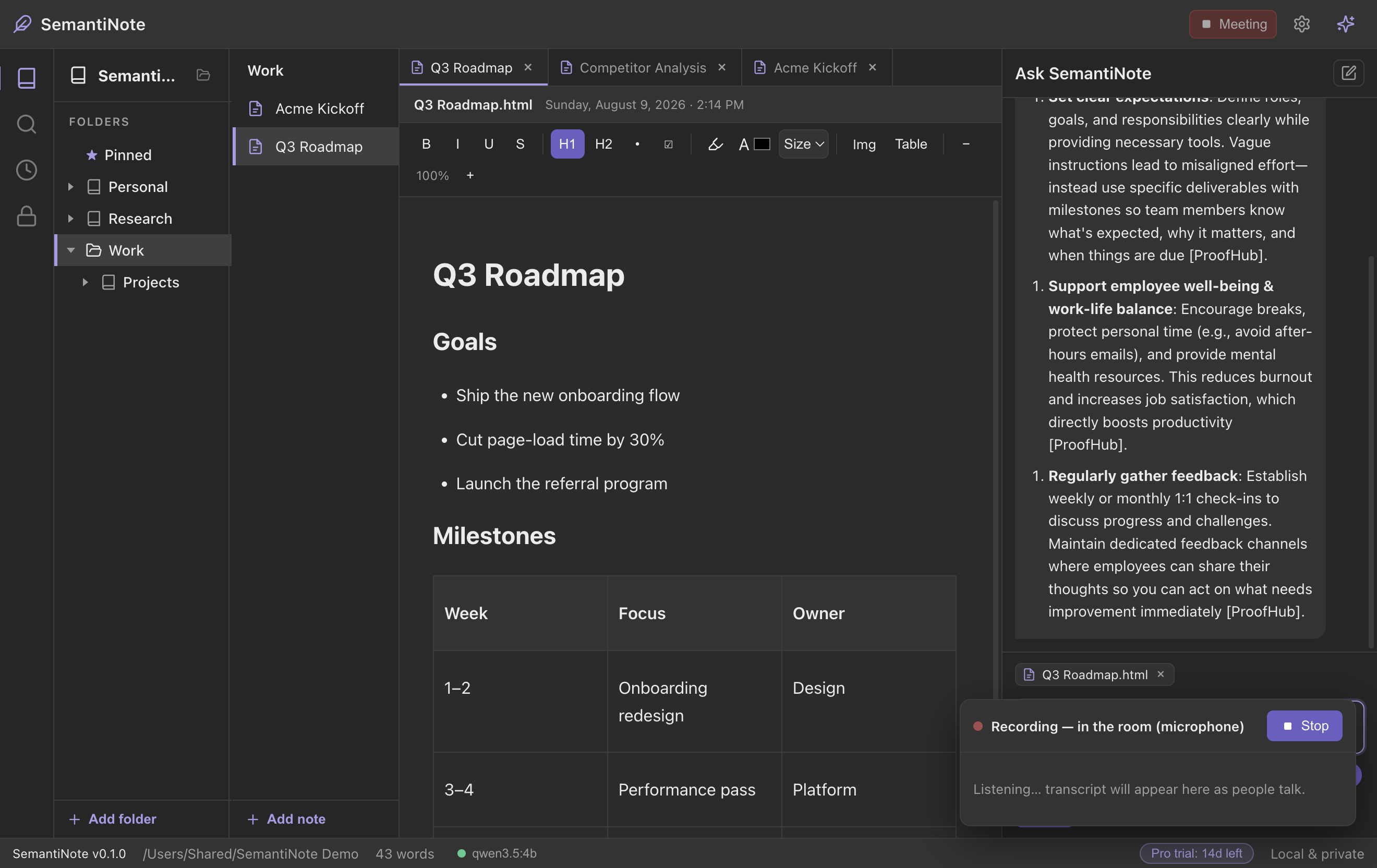
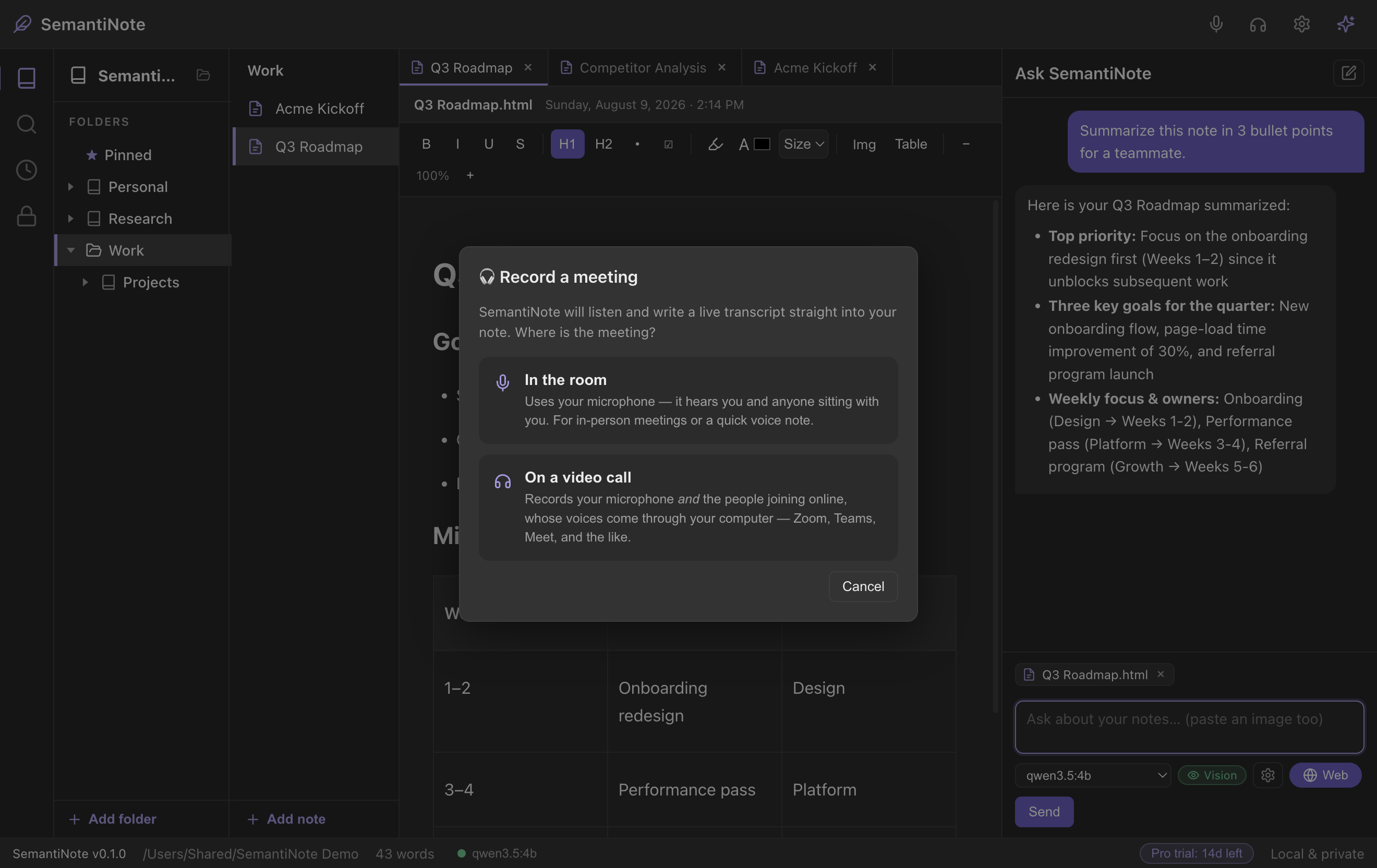
Record your Teams, Zoom, Slack or Discord meetings directly into a note. SemantiNote mixes your microphone with your computer's audio, so it hears both you and everyone else on the call — then you can ask the AI what happened.
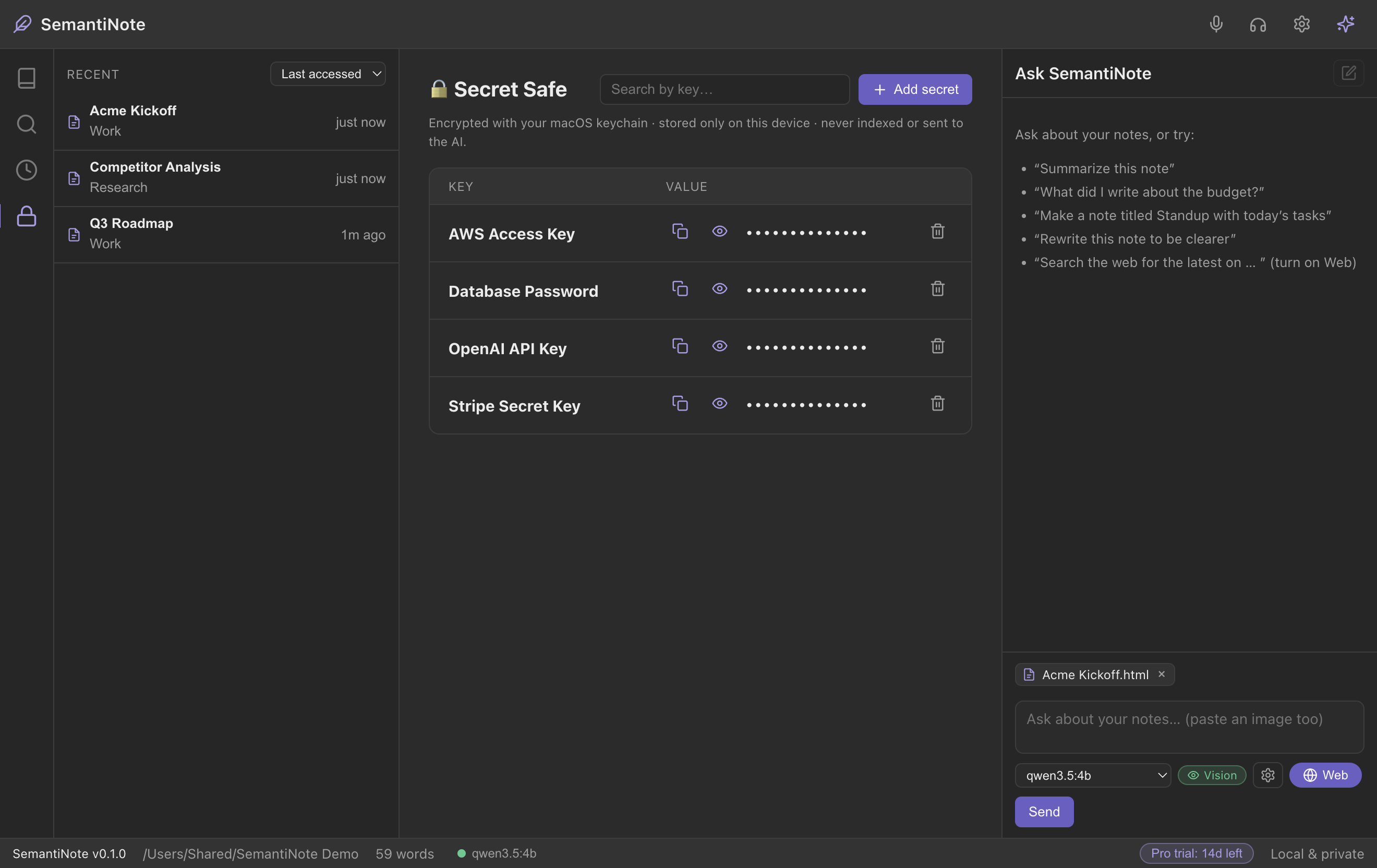
A built-in vault for the things you shouldn't paste into a plain note — logins, API keys, license codes. Save a name, username and password together; everything's encrypted on your machine with your operating system's secure keychain, and revealed only when you ask. Free for everyone.
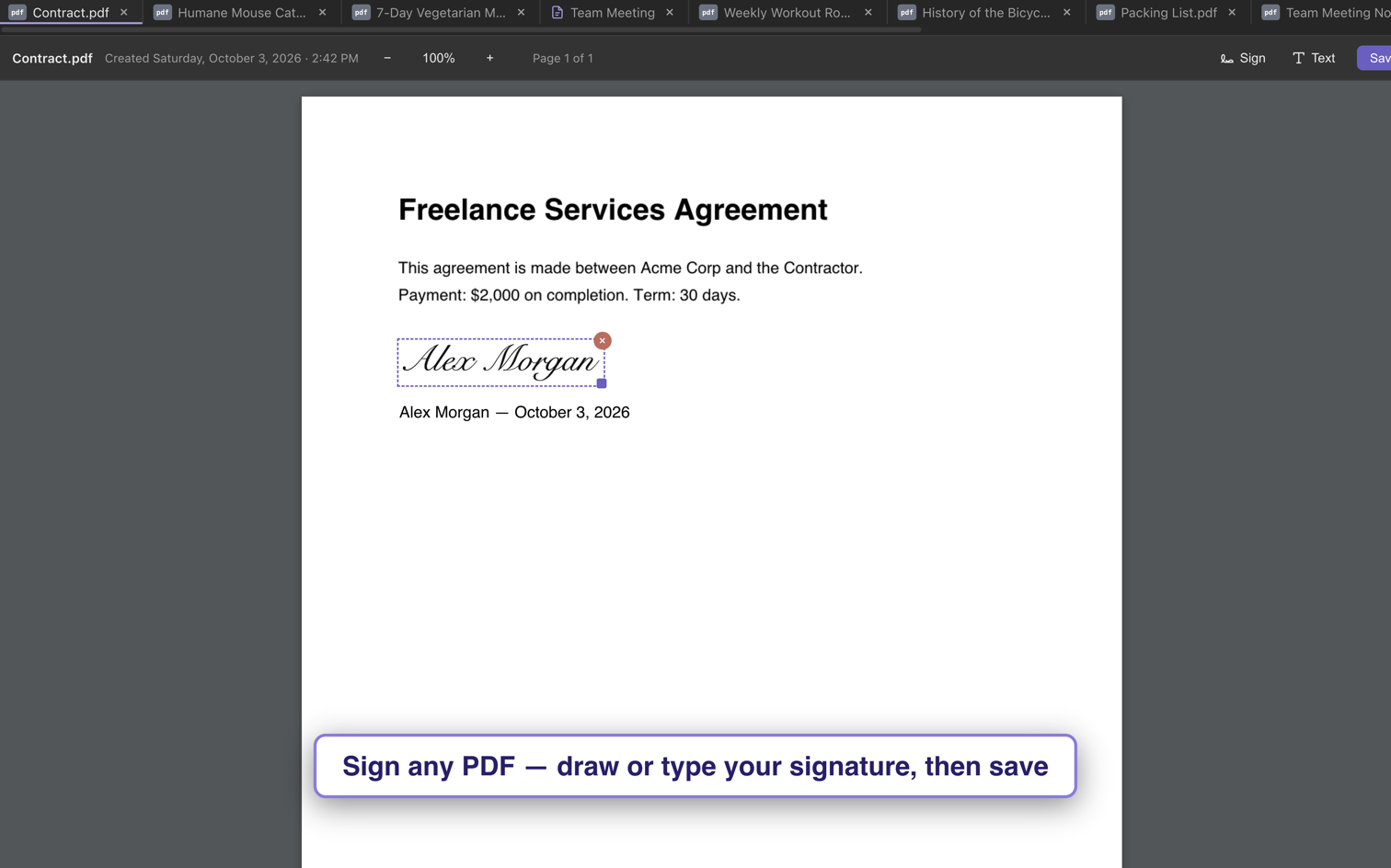
Someone sends you a contract or a form? Open it in SemantiNote, add your signature, type the date or any text, fill in the form's boxes — and save. No printing, scanning, or extra app.
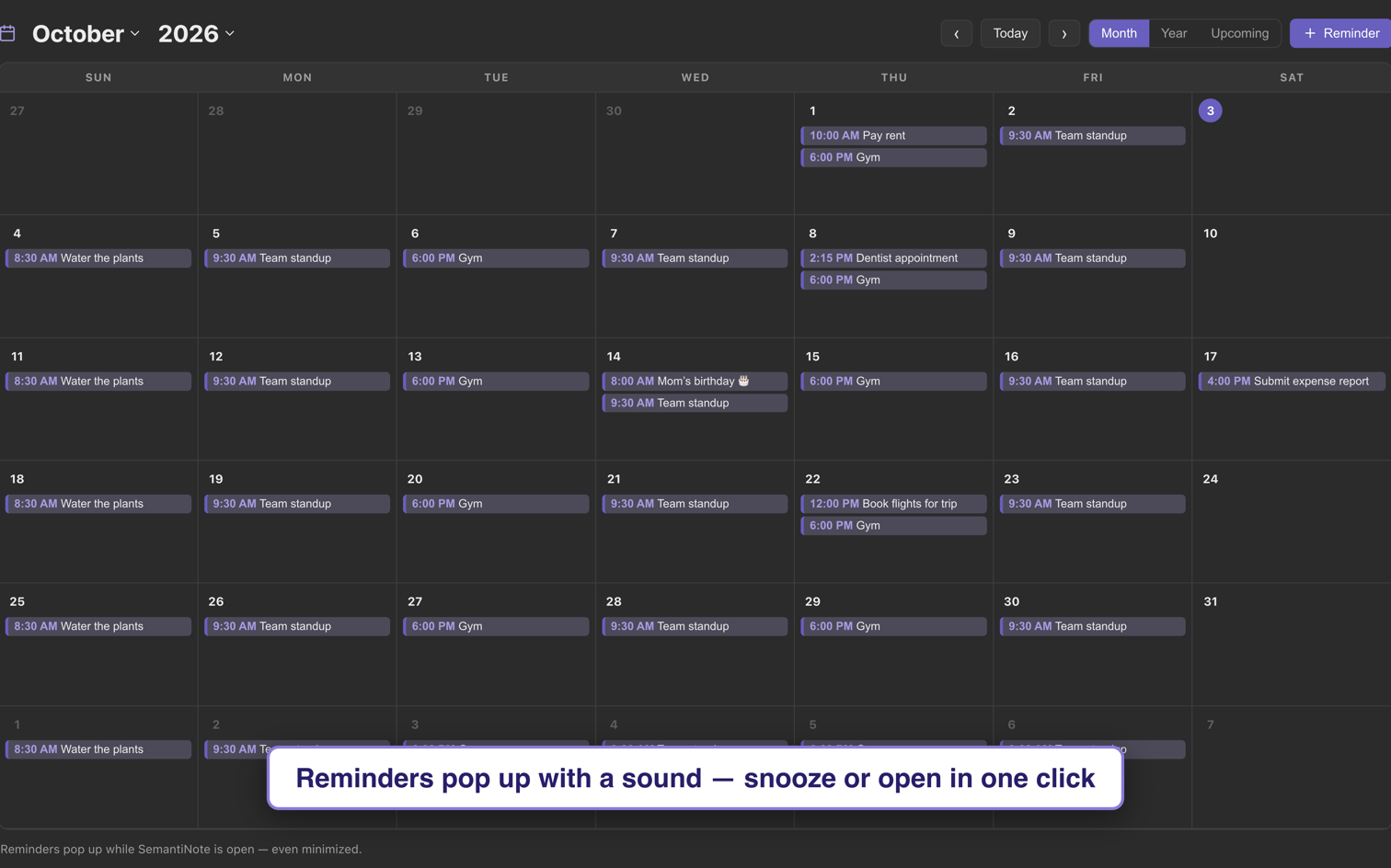
A simple calendar built right in. Add a reminder for an appointment, a bill or a birthday — it pops up with the sound you pick, even when SemantiNote is minimized. Missed one while the app was closed? You'll see it next time you open it.
Formatting, highlights, colors, images you can resize, and tables — write real documents, not just plain text.
Notes, code, JSON, markdown, plain text — create a file, name it anything, and get the right editor automatically.
Open several notes at once in browser-style tabs and flip between them as you work.
Pin the notes you use most and color-code your folders so your notebook stays organized at a glance.
Lock any single note with a password — it's encrypted on disk and only you can open it.
Jump straight back to what you just opened or changed — every note shows its date.
Open and edit CSV spreadsheets in a familiar grid — accents, € signs and Excel's formats are kept exactly, so they open right back in Excel.
Browser-style shortcuts on Mac and Windows — switch tabs with Ctrl+Tab, jump with ⌘1–9, reopen a closed tab with ⌘⇧T.
Nothing runs when SemantiNote is closed, the AI frees its memory when idle, and you pick how much memory it can use.
 SemantiNote